If the file that you are uploading to the ordering portal is the incorrect dimensions for the product that you are ordering, the Ordering Portal will give you an error message. The specific message displayed may vary depending on the type of file being uploaded.
PDF File or TIFF File
If your PDF or TIFF file is the wrong size for the product that you are uploading, you will receive an error message that tells you what dimensions your file currently is, and what dimensions it needs. It will look something like this:
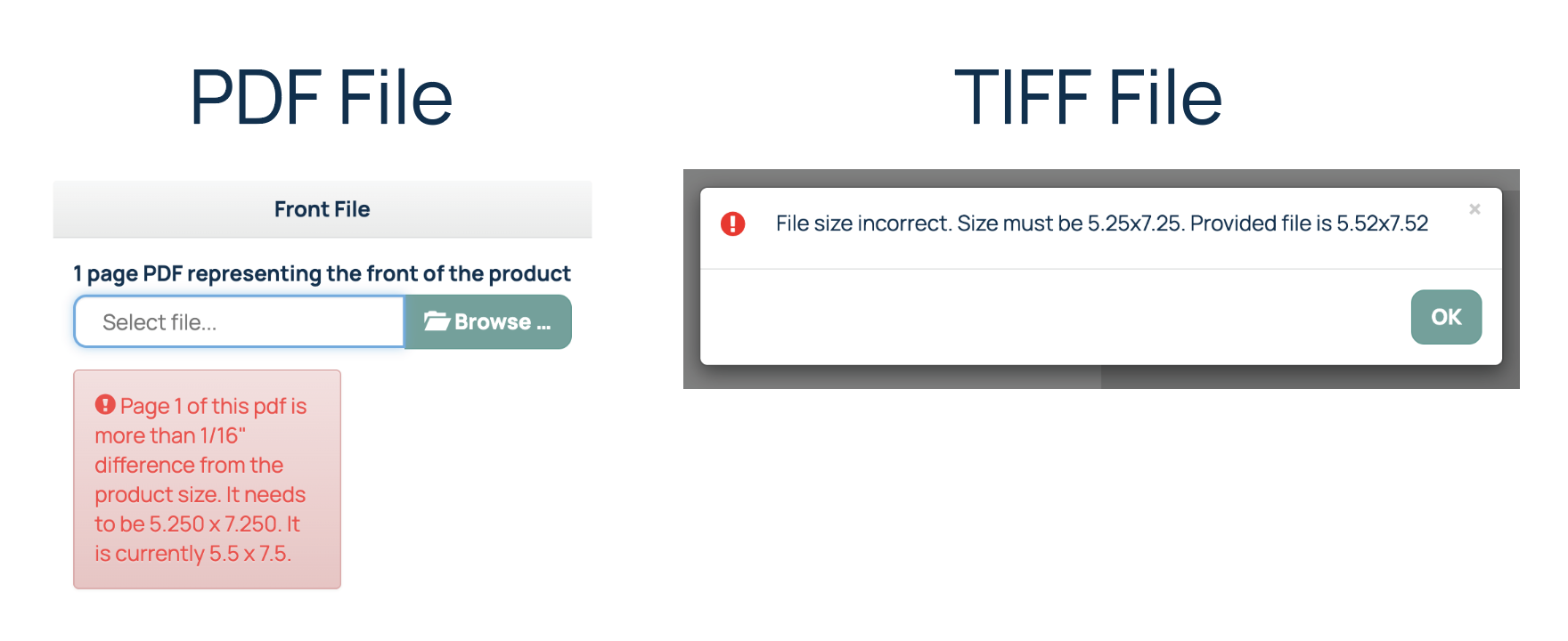
JPG File or PNG File
If you upload a JPG or PNG file, and it is the wrong dimensions, you will receive an error message that let's you know that the file is the wrong size. It does not give you any additional information and looks something like this:
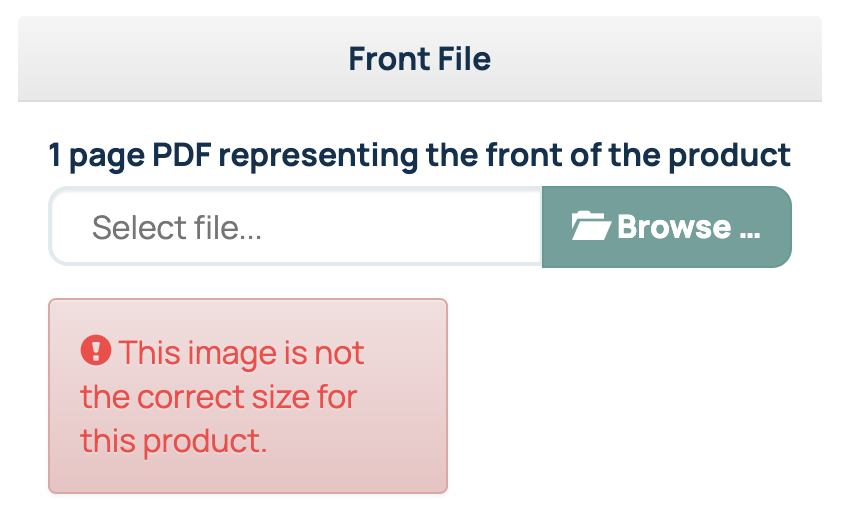
While the Ordering Portal will accept JPG, PNG and TIFF files, we always recommend using a PDF file for printing. Read here for more information: What File Type Should You Use for Printing?Troubleshooting File Size Upload Error
If you receive this message, then your files dimensions are not correct for the product you are intending to order and the file will need to be revised. Below are some steps you can take that may resolve this issue:
- Double check the product you selected - There is a chance that you accidentally selected the incorrect product type for the file you created.
- Check your design software bleed settings - If your design software exports your file with the bleed, you will need to check how much bleed the software is creating upon export. There is a possibility that the design software is adding too much or not enough bleed to your file, which is impacting the file's dimensions.
- Utilize our templates - For most of our standard print products, we have created templates. These templates will show the finished file size for your product (Artwork Size with bleed).
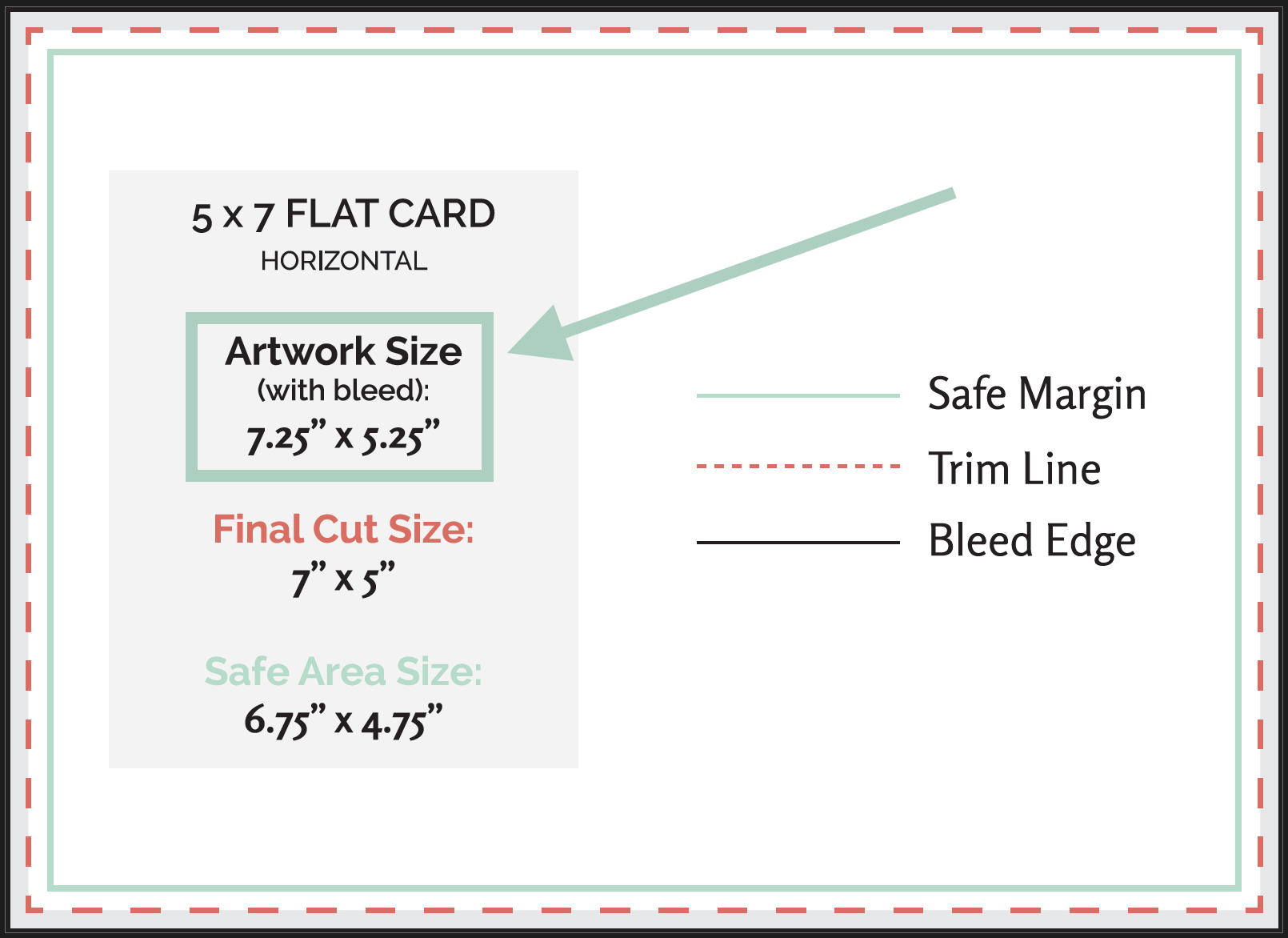
Print file for Envelopes are the only products that should not have a bleed included in the file size because the envelopes are not cut to size after printing. Related Articles:
Was this article helpful?
That’s Great!
Thank you for your feedback
Sorry! We couldn't be helpful
Thank you for your feedback
Feedback sent
We appreciate your effort and will try to fix the article