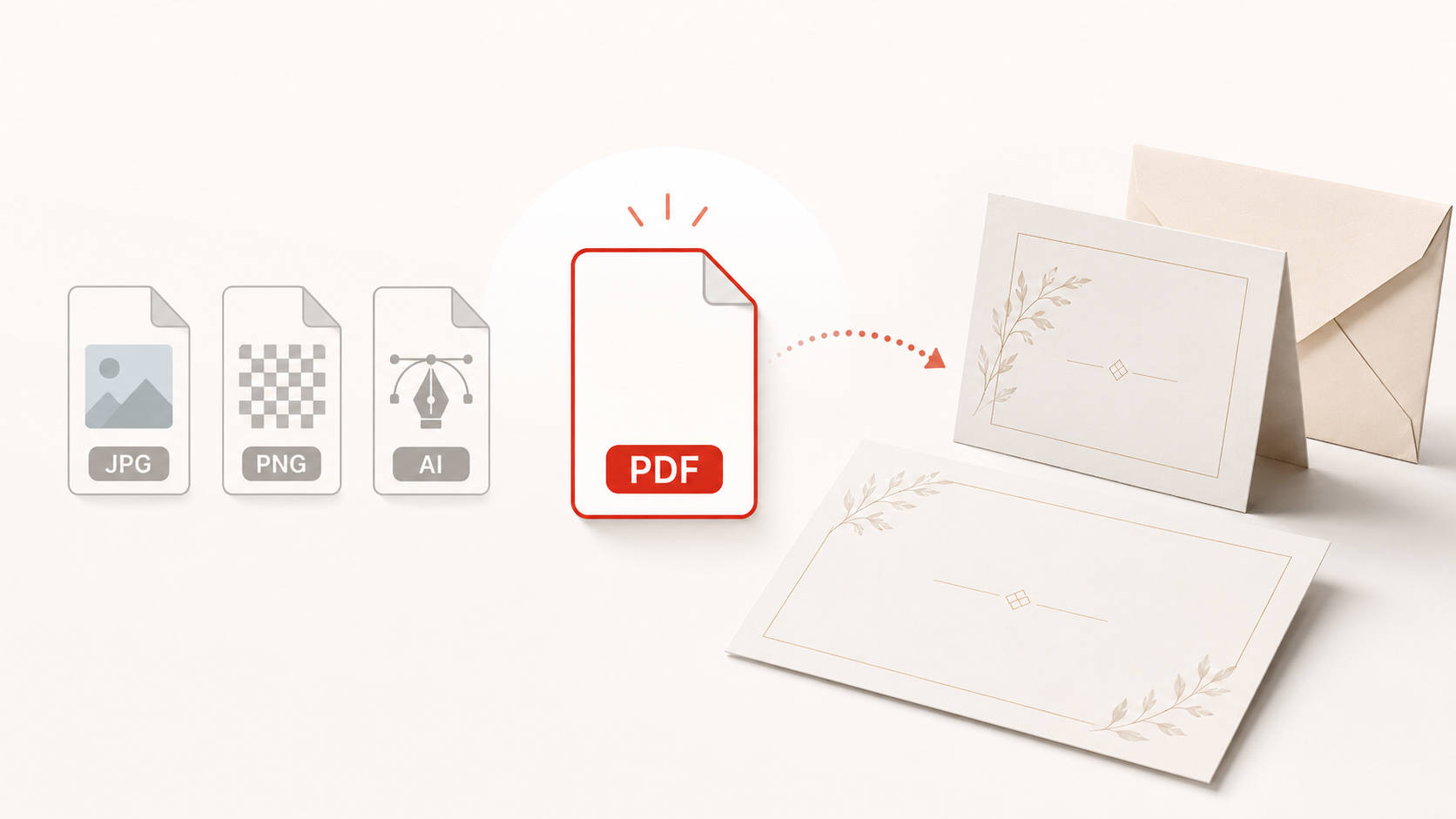
When it comes to bringing your designs to life, the file you send matters more than you might think. The good news? You have options. The better news? There’s one clear winner: PDF. Specifically, PDF/X-1a.
Let’s walk through what works, what doesn’t, and how to set your print project up for success.
File Formats We Accept
We’re happy to work with a variety of file types, including:
- Photo Files (TIFF, PNG, JPEG)
- Adobe Illustrator (AI)
- Adobe InDesign (INDD)
While all of these formats can be used, they’re not all created equal when it comes to print performance.
Why Some File Types Aren’t Ideal
Photo Files (TIFF, PNG, JPEG)
Photo files are great for sharing images, but digital printing is a different story.
Most image formats are created using the RGB color space, which is designed for screens, not print. Digital printers, on the other hand, use CMYK. This mismatch can lead to unexpected color shifts. This can produce tones or colors that just don’t match what you saw on your screen.
Additionally, photo files:
- Don’t support layered design elements
- Can lose quality if resized improperly
- Aren’t built to handle complex layouts with precision
We’ll be sharing more about RGB vs. CMYK in our upcoming color space guide, stay tuned!
Illustrator & InDesign Files (AI, INDD)
These are powerful design tools and amazing for creating your project, but not always ideal for sharing it.
Why?
Because these files rely on external resources:
- Fonts may not be embedded
- Linked images can go missing
- Color settings may vary from system to system
When a file is opened on a different computer (like here at PrintsWell), missing elements can cause layout shifts, font substitutions, or even incomplete prints.
Why PDFs Are the Best Choice
PDFs are generally the best choice for professional printing because they keep your layout, fonts, images, and design details more consistent as the file moves between different computers, programs, and printers. However, not all PDFs are created equally. For the most reliable print results, we recommend exporting your file as PDF/X-1a when that option is available. PDF/X-1a is the gold standard for professional printing.
If you are working in a design program that does not offer a specific PDF preset, such as Canva, exporting as a standard PDF is still preferred over submitting a live, editable file or image file.
What Makes PDF/X-1a Our Gold Standard?
Key benefits include:
- Flattened transparencies: Reduces issues with effects like shadows, overlays, and layered artwork.
- Print-ready color: Keeps colors in a format designed for digital printing, helping produce more predictable print results.
- Embedded fonts: Helps ensure text prints correctly, even if the printer does not have the fonts installed.
- Strict print standards: Removes unnecessary elements like hyperlinks, multimedia, and encryption that can cause processing issues.
These settings work together to preserve your layout, maintain image clarity, and ensure your design prints exactly as intended, no surprises.
Was this article helpful?
That’s Great!
Thank you for your feedback
Sorry! We couldn't be helpful
Thank you for your feedback
Feedback sent
We appreciate your effort and will try to fix the article