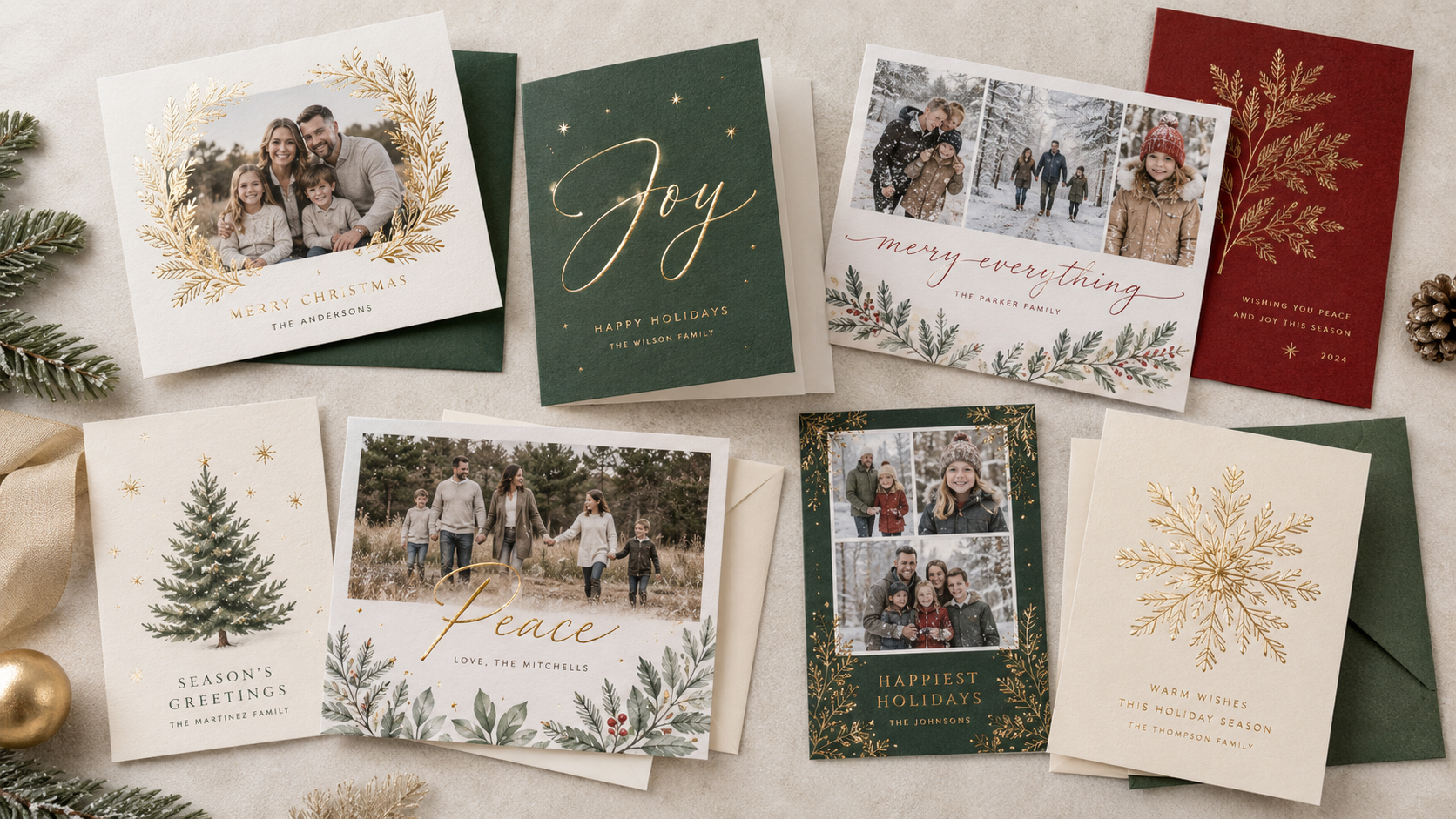
Setting up file for Custom Foil Stamping is a little bit different than standard file setup. This article explains how to setup your print files for foil stamped products.
Foil File Setup
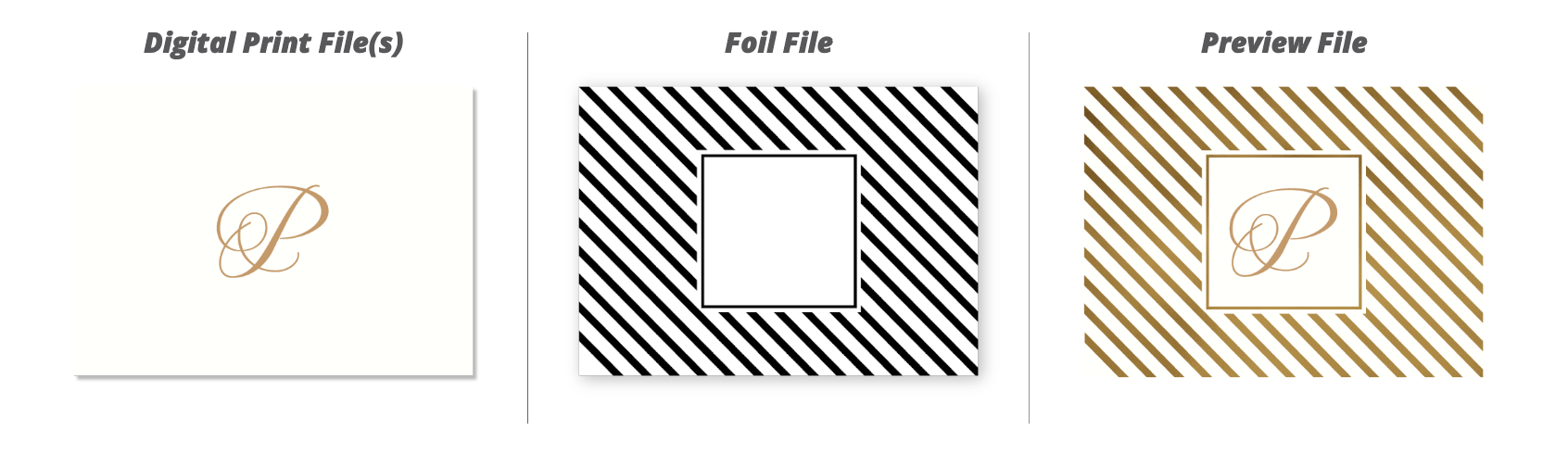
For production purposes, your foil file needs to be setup in three different files:
Print File
Foil File
Preview File
Print File
This PDF file contains all portions of artwork that is going to be digitally printed in either CMYK ink or White Ink. It does not include any of the foil elements. It should be setup according to the general file setup guidelines.
Foil File
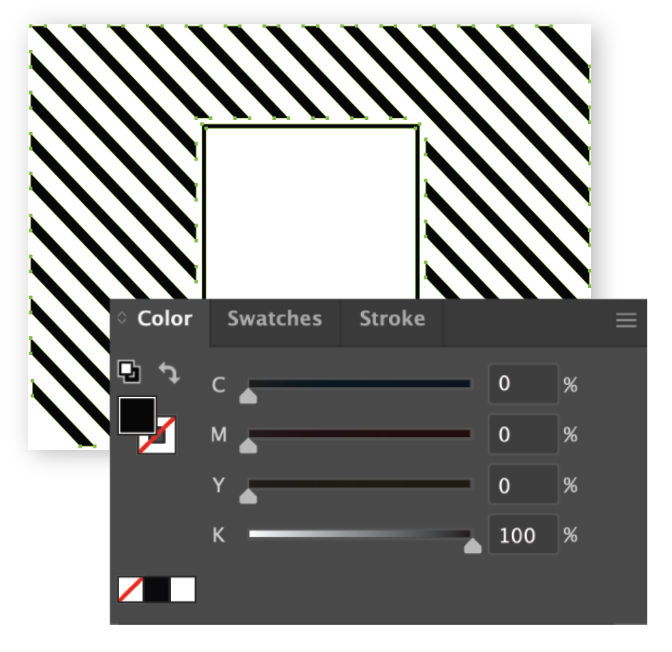
This PDF will be a 1 page file that contains only elements that will be foil stamped. This file must be vector and 100% Key.
- All fonts must be converted to outlines.
- No image files can be accepted (i.e. jpg, tiff, or png)
- The file must include bleed if the design goes to the edge of the card
- Keep line thickness above .003" (0.8mm) for standard foil and above .007" (0.178mm) for reverse-out foil. Reverse-out foil refers to thin elements that will not be foil stamped such as the inside of lettering.
- Once the die is created, no changes can be made to the foil elements.
Preview File
This file is also referred to as the "Combined file". This will be a PDF file that has both the digital printing elements and foil elements combined. This file should also be setup in the correct size. It is not used for printing. We use this file to double check that placement on the files aligns as intended.
It is crucial that the Print File, Foil File, and Preview File line up perfectly across all files.

Best Design Practices for Foil Stamping
- Avoid Heavy Coverage - Large foil areas or thick borders are not recommended, especially on more heavily textured papers such as: Cotton, Linen or Felt.
- Simplify Fine Details - Keep text and fine details simple and bold for clean foil impressions.
Limitations for Foil Stamping
Foil Stamping is a labor intensive process, so there are some limitations to how products can be foil stamped.
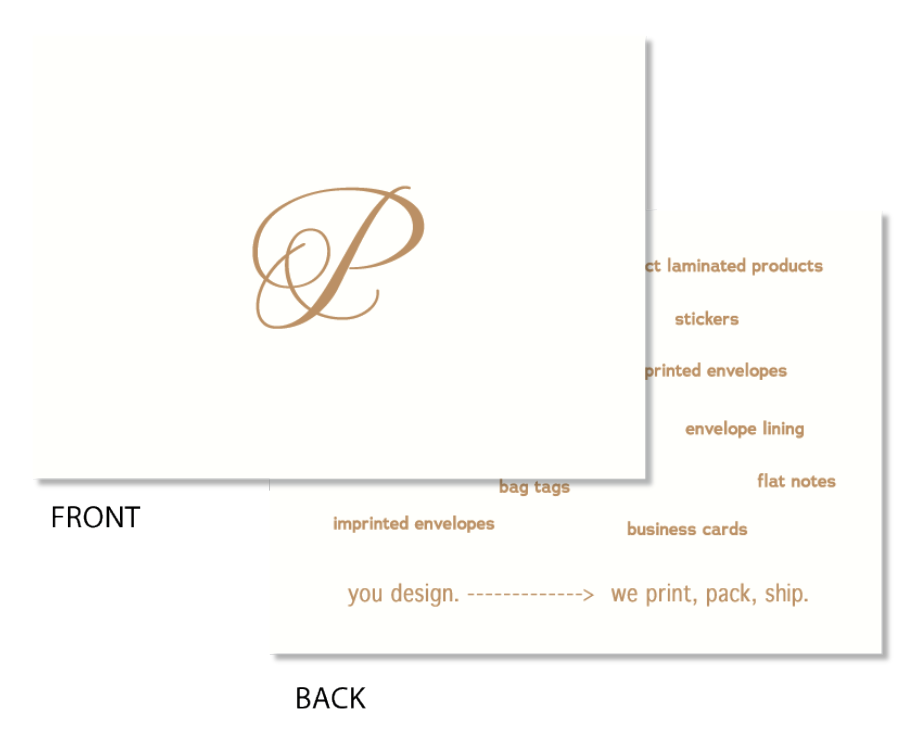
- Foil Stamping can only be done on the front of your product
- Folded Cards can only be foil stamped on the front panel once folded
- Variable Print jobs cannot be foil stamped
- Certain paper stocks are not available with Foil Stamping, such as our Text Weight or Vellum papers.
What happens if my Foil Files are setup incorrectly?
Since changes cannot be made to the foil die once the die is created, our Customer Success Team will reach out to you if there is a concern with your foil files. Some common reasons that we may reach out to you are:
- There is shifting between all 3 files
- Elements of the foil file are not vector
- Foil file is not 100% K
- Fonts in the foil file are not converted to outlines
- Foil elements are on the print file or vice versa
- Uploaded files do not match a pre-existing die
Related Articles:
Was this article helpful?
That’s Great!
Thank you for your feedback
Sorry! We couldn't be helpful
Thank you for your feedback
Feedback sent
We appreciate your effort and will try to fix the article