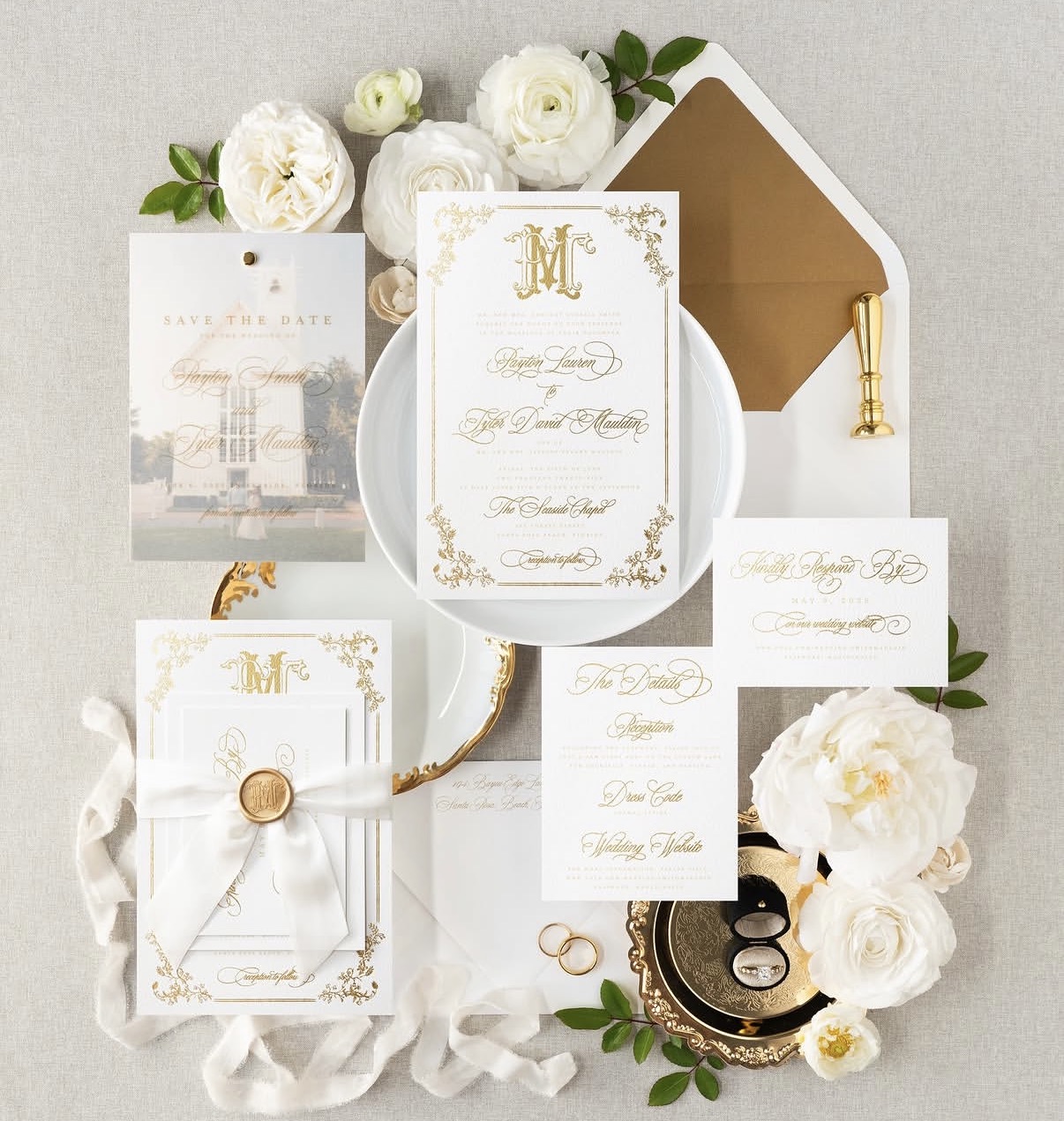
Foil Stamped products are their own Product Type in the Product drop down menu. We have 5 foil stamped product categories:
- Foil Stamped Flat Card
- Foil Stamped Folded Card
- Foil Stamped Gift & Wine Tags
- Foil Stamped Tri-Fold Card
- Foil Stamped Z-Fold Card
Step 1: Prepare Your Files for Foil Printing
You’ll need to submit three separate files for every foil order: A Print File, a Foil File and a Preview file. For additional information on setting up these files, check out our article, How to Setup Your Print Files for Foil Stamping.
Step 2: Choose your Product Options
To begin, select which foil stamped product that you would like. Then select your size, paper type, if you would like digital printing on just the front (4|0) or on the front and back (4|4), and your quantity.
Step 3: Upload Your Digital printing Files
The first files you will upload for this product are your digital print files. These files only contain elements that will be printed with ink. After that, you can select any additional finishing options like, Die-Cut Shape, Hole Drilling, or Angled Corners depending on the paper type selected.
If you are ordering a design without ink printing, you will need to upload a blank file for your digital print file(s).Step 4: Make your Foil Selection
Next, you will select which foil color you would like for your project. We offer a variety foil colors to compliment your design.
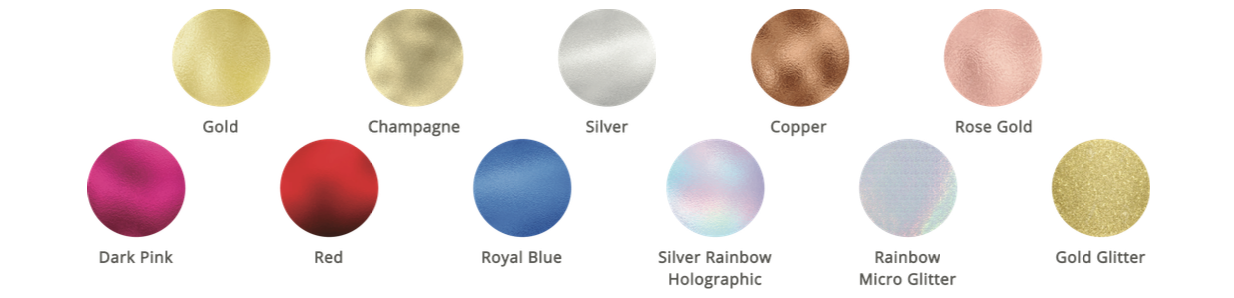
Gold and Silver are the most popular and offer the highest reflectivity.Step 5: Specify if you are Ordering a New Foil Die or Ordering using an Existing Foil Die
Next, you will be asked if you would like to use a foil die that you have ordered before.
- To order a new die, you will select "No" and proceed with creating a name for the foil die that you are creating. You can name this foil die whatever you would like to name it. We recommend creating a name that will help you know what foil die it is if you choose to reorder it.
- To order with an existing die, you will select "yes" and then select the foil die you would like to reorder using the drop down menu. Foil dies can only be reused on the same product size. When you order using an existing foil die, you will not be charged the foil die fee.
Step 6: Upload your Foil File and your Foil Combined Preview File
- Foil File - This should be your file that contains only the foil elements.
- Foil Combined Preview File - This file should be an example of how your final product should look. It will contain both the digital printing elements and foil elements. The foil details do not need a foil appearance, this file is for layout reference only.
What Happens Next?
Once your order is submitted:
Our team will review your setup for alignment and foil eligibility.
If adjustments are needed, we’ll contact you before production begins.
Upon review, your custom foil die will be created and stored for reuse.
Related Articles:
Was this article helpful?
That’s Great!
Thank you for your feedback
Sorry! We couldn't be helpful
Thank you for your feedback
Feedback sent
We appreciate your effort and will try to fix the article