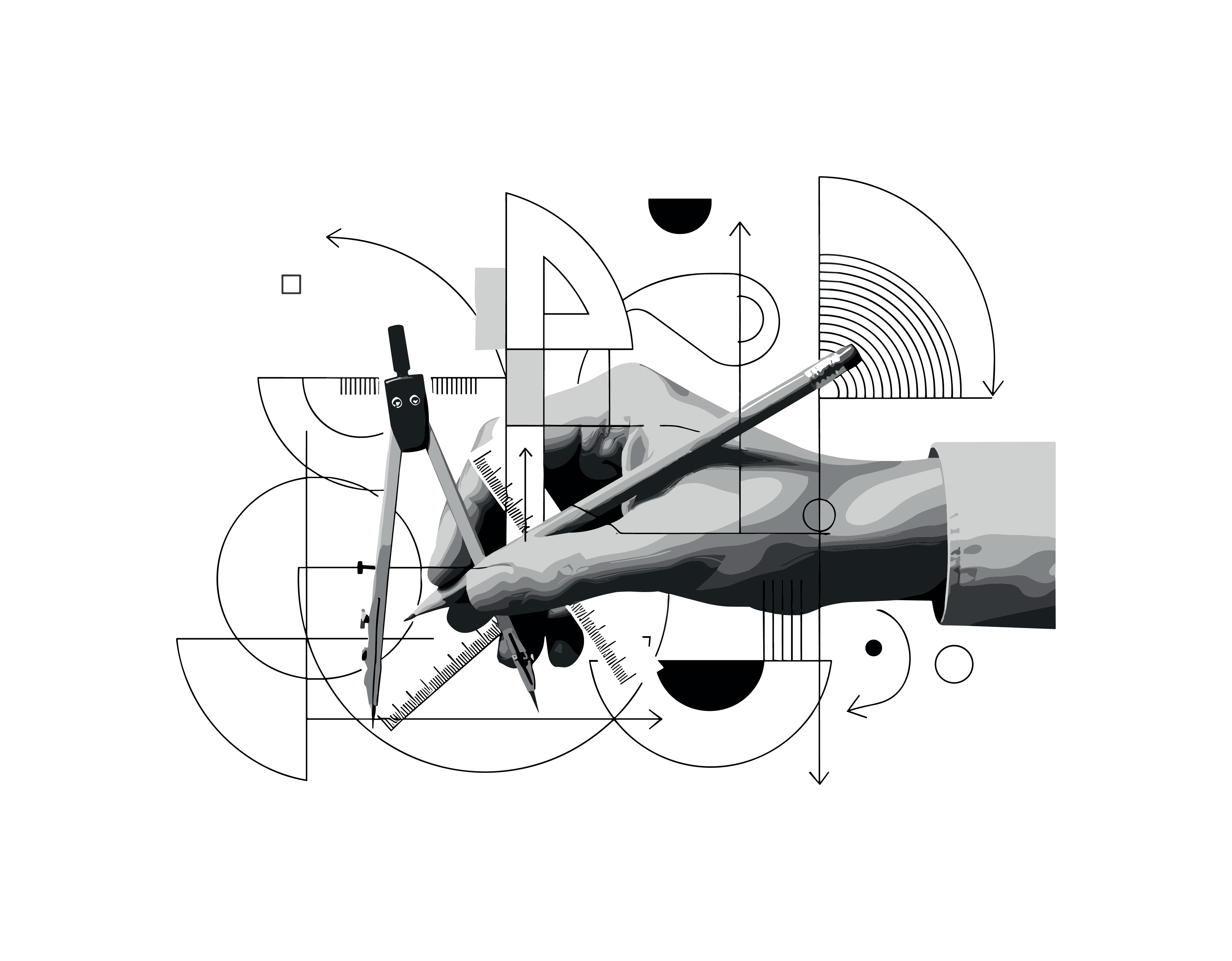
Vector art is a type of digital artwork made from mathematical paths instead of pixels. These paths are built using points, lines, and curves that work together to form clean, scalable shapes.
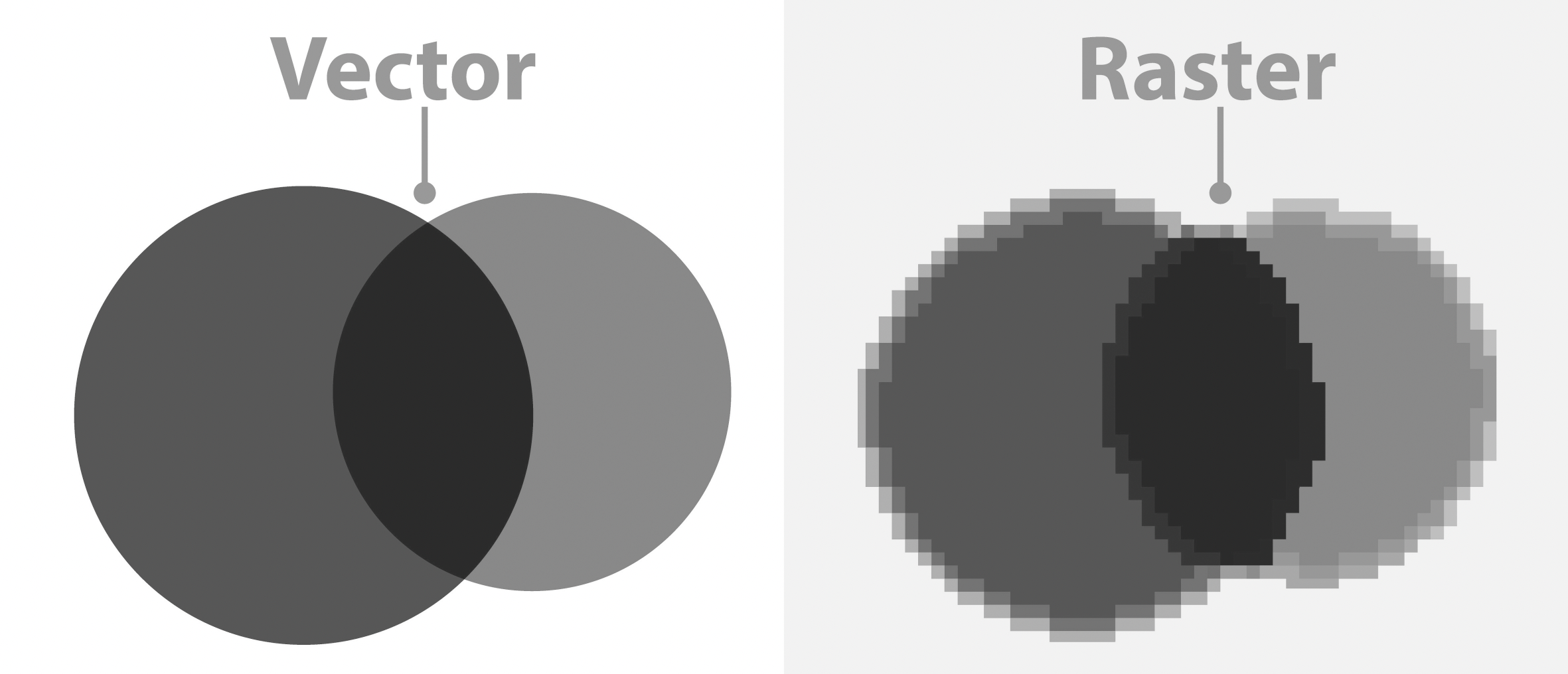
Unlike pixel-based Raster images, vector graphics can be resized infinitely without losing quality. For example, a vector logo can be scaled from a tiny icon to a large poster and it will stay crisp every time.
How to Tell If Your Artwork Is Vector
The Zoom Test
One of the easiest methods is to zoom in on your artwork. If the edges stay sharp no matter how far you zoom, the file is likely vector. If the image starts to look blurry or pixelated, it is probably a raster image.
Editable Anchor Points
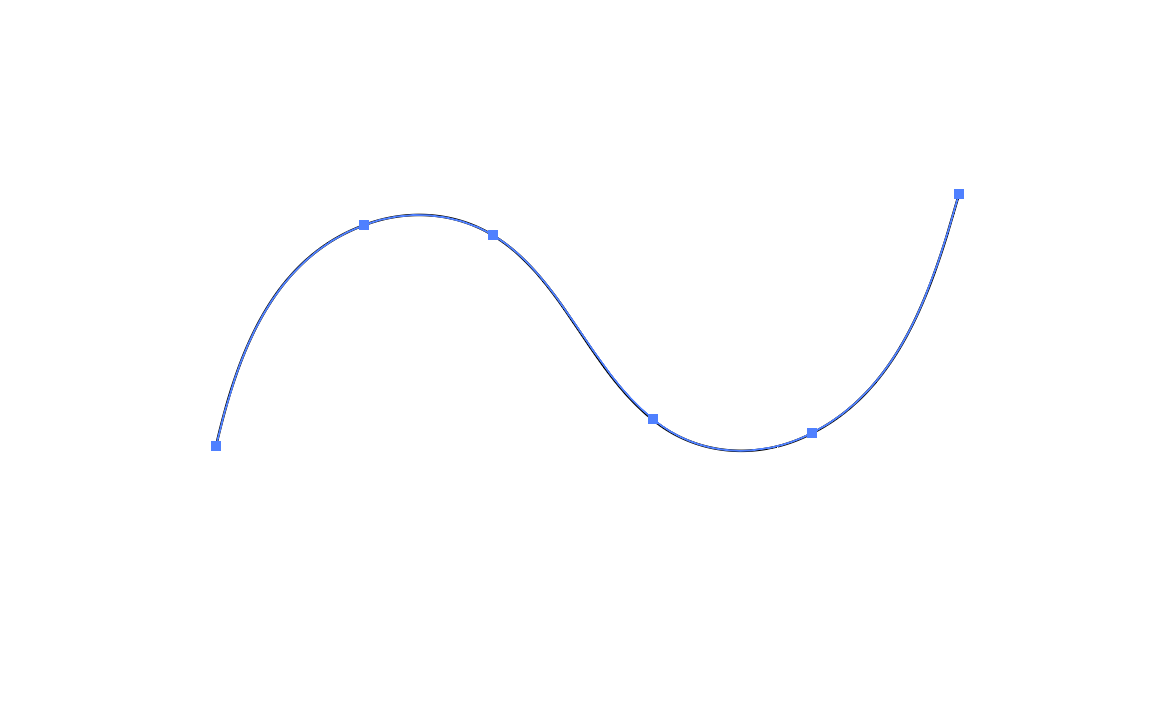
Open the file in a program like Adobe Illustrator. Use the Direct Selection Tool to click on individual shapes and see anchor points, that confirms the file is vector-based. If the image appears flat and cannot be separated into editable parts, it is most likely not vector.
Converting an Image to Vector
For most non-vector artwork, you can use vector-based software such as Adobe Illustrator to convert it.
The Image Trace feature automatically detects shapes and outlines in your image and converts them into vector paths. You can also trace the image manually using the pen tool, which gives you more control over every line and curve.
Working on a Foil Stamped item? A vector file is required because foil stamping relies on precise, clean edges, and vector artwork ensures the design transfers accurately.
Related Articles:
Was this article helpful?
That’s Great!
Thank you for your feedback
Sorry! We couldn't be helpful
Thank you for your feedback
Feedback sent
We appreciate your effort and will try to fix the article