One of the best ways to test print quality and color before placing a large order is to place a sample or test order first. This process is simple and can help you reduce paper waste while making sure your final order turns out the way you are expecting.
There are a few different ways to create a sample or proof order depending on what you would like to test.
Order an 11x17 Print
One option is to place multiple designs or pieces of artwork onto a single 11x17 inch file and order one 11x17 Flat Card. This is a great way to test an entire wedding suite or multiple coordinating pieces before placing separate production orders.
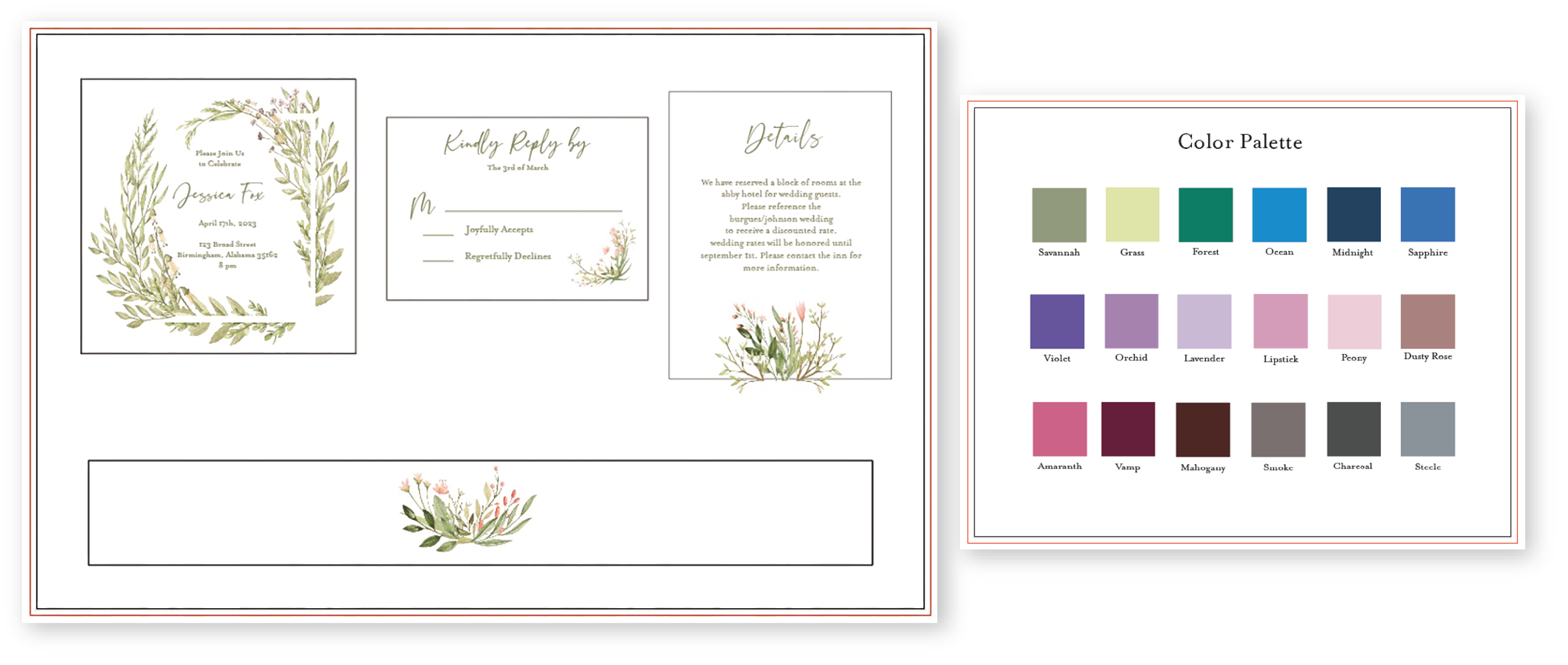
For example, you could include:
- Invitation designs
- RSVP cards
- Details cards
- Color swatches
This option allows you to review print quality, paper feel, and color all in one order.
Please note that items ordered this way will not be cut down to their individual finished sizes.
Order a Variable Print
If you would like to test multiple designs of the same size product on the same paper type, a Variable Print is another great option.
To do this, submit a multi-page PDF with each page containing a different design. You will receive one printed card per page/design in the file.
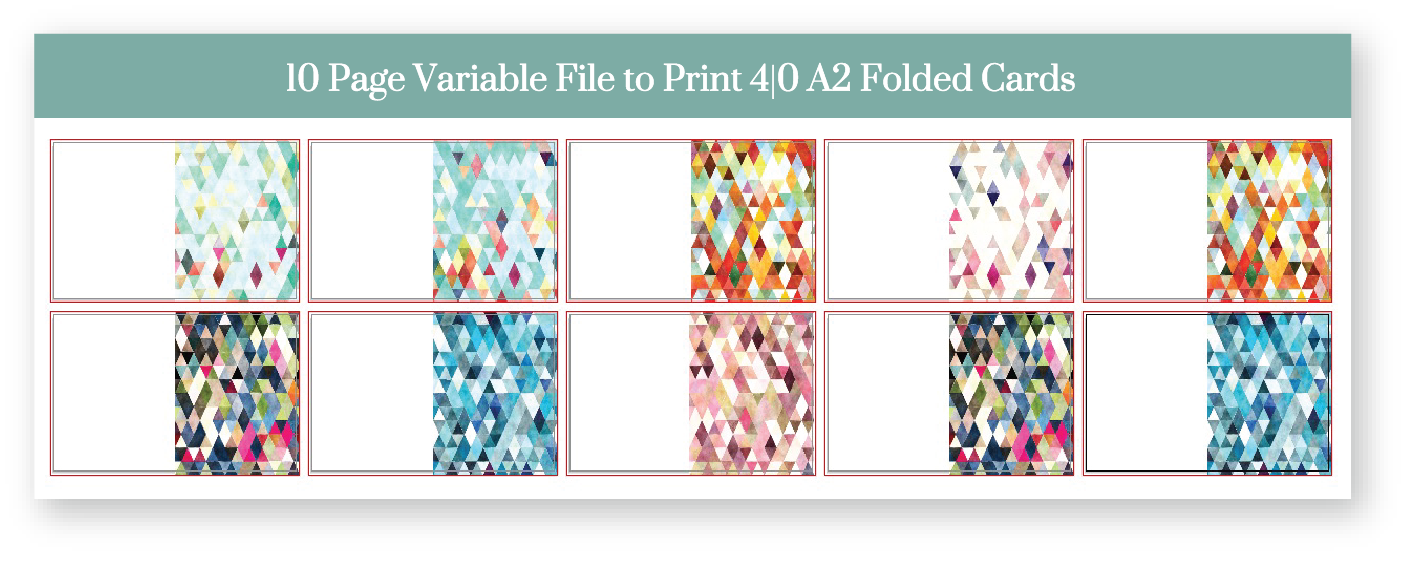
This option works especially well for:
- Multiple design variations
- Different color options
- Alternate artwork versions
Order from the Order Minimum Quantity
Most of our standard cards have a minimum order quantity of just 10 pieces. This makes it easy to order a small test run without committing to a large quantity upfront.
This option is helpful if you want to:
- See the final product before placing a larger order
- Test packaging options
- Review how the order will arrive to your client
Ordering a small batch first can help avoid excess prints and gives you an opportunity to refine your files before your final print run.
Things to Keep in Mind
- Paper Type Matters: We recommend ordering your sample or test order on the paper type you intend to use. Ink colors can appear different depending on the paper chosen. See also: How Paper Affects Your Printed Color
- Colors May Vary Slightly: Ink colors will vary slightly per print run, and ink printed on cards will look different than ink printed on envelopes as different presses are used for these two products. See also: Color Tools and Palettes
- Use CMYK Color Values: For most accurate color representation, double check to make sure your files are setup in CMYK. Additionally, printing with whole number CMYK color values as opposed to decimals typically provides a more consistent result. See also: Understanding Color for Print
Related Articles:
- Do You Offer Samples?
- How to Place an Order with PrintsWell
- What types of paper does PrintsWell offer?
Was this article helpful?
That’s Great!
Thank you for your feedback
Sorry! We couldn't be helpful
Thank you for your feedback
Feedback sent
We appreciate your effort and will try to fix the article