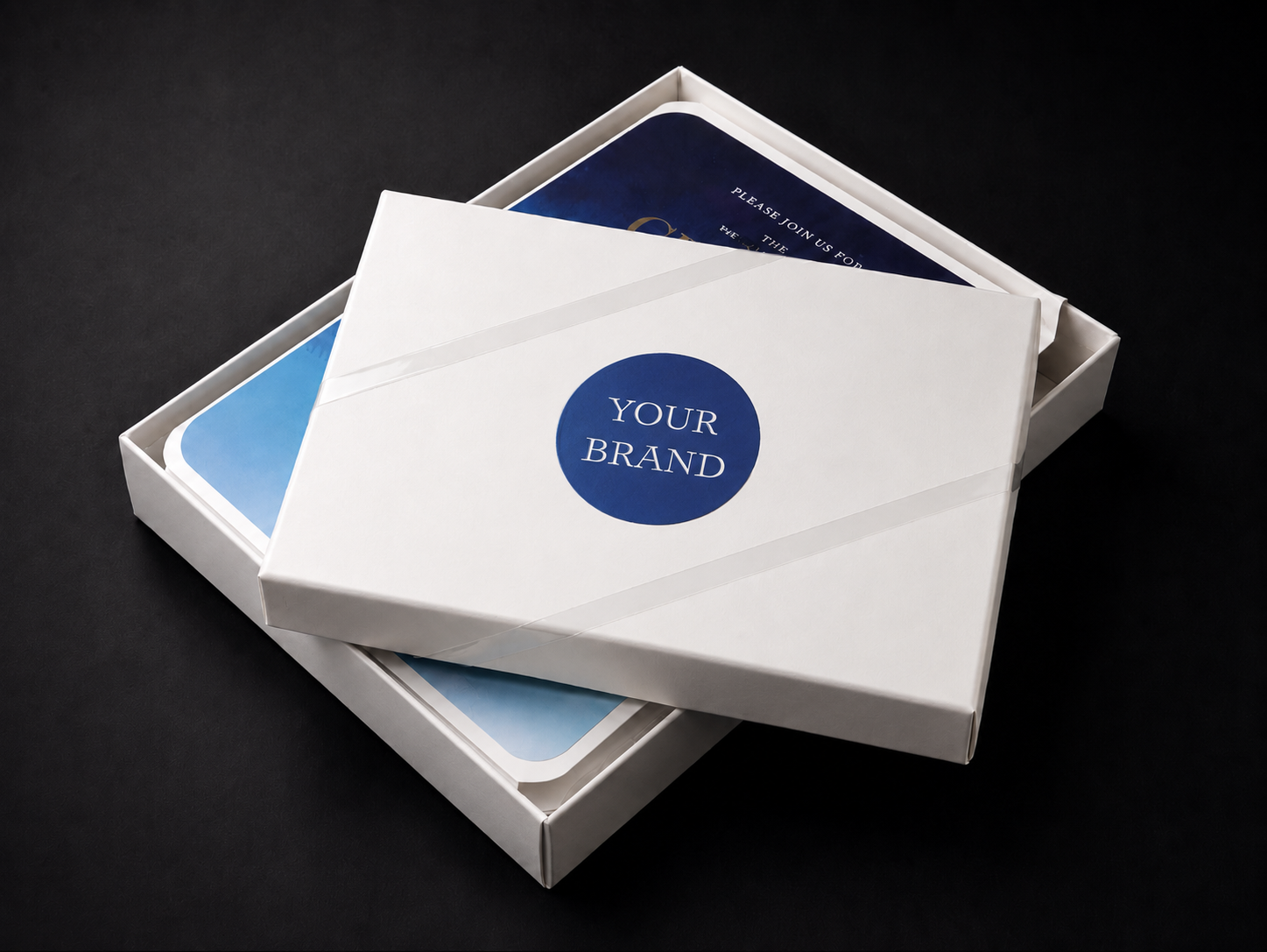
Learn how to set up branded packaging for drop shipped orders with PrintsWell. For an overview of how the service works, see Branded Packaging with PrintsWell.
Place an Order for Your Branding Materials
To begin using the branded packaging service, place an order through your ordering portal for the materials you would like included with your shipments. Add the branding products and upload your print files like you would any standard print order. Please note that we do not offer stuffing envelopes or folded cards for your branded cards.
When placing the order, include branding instructions for our packing department in the Customer Service Request Box at checkout.
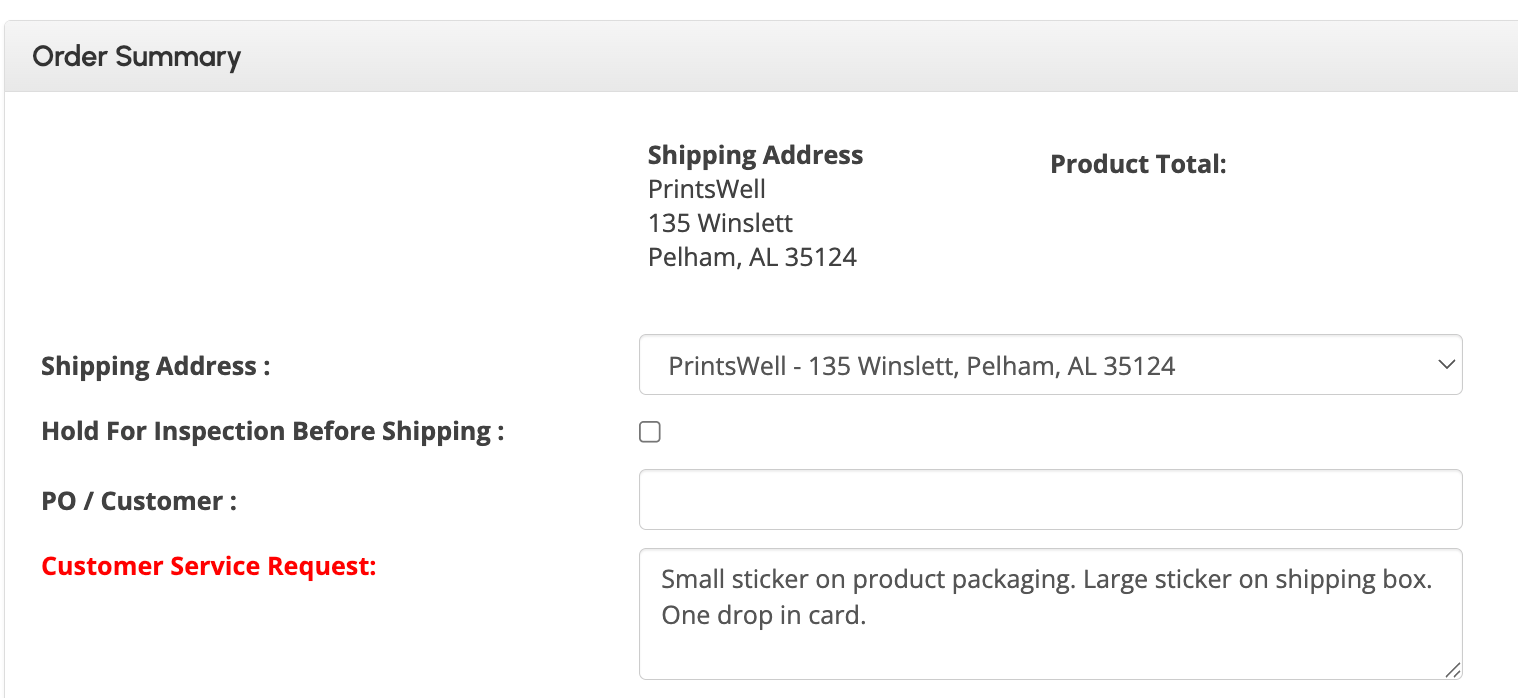
You will also need to select "BRANDED PACKAGING" on your branded materials order only, to flag the order for storage.

Once your branded order is complete, you will receive an electronic invoice, and your account will be set up for automatic branded packaging on drop shipped orders!
Was this article helpful?
That’s Great!
Thank you for your feedback
Sorry! We couldn't be helpful
Thank you for your feedback
Feedback sent
We appreciate your effort and will try to fix the article