Updating your payment information is easy to do in the Ordering Portal. Just follow the steps below!
How to Update your Payment Information
Once you are logged into the Ordering Portal, click on Manage Account found at the top of the page.

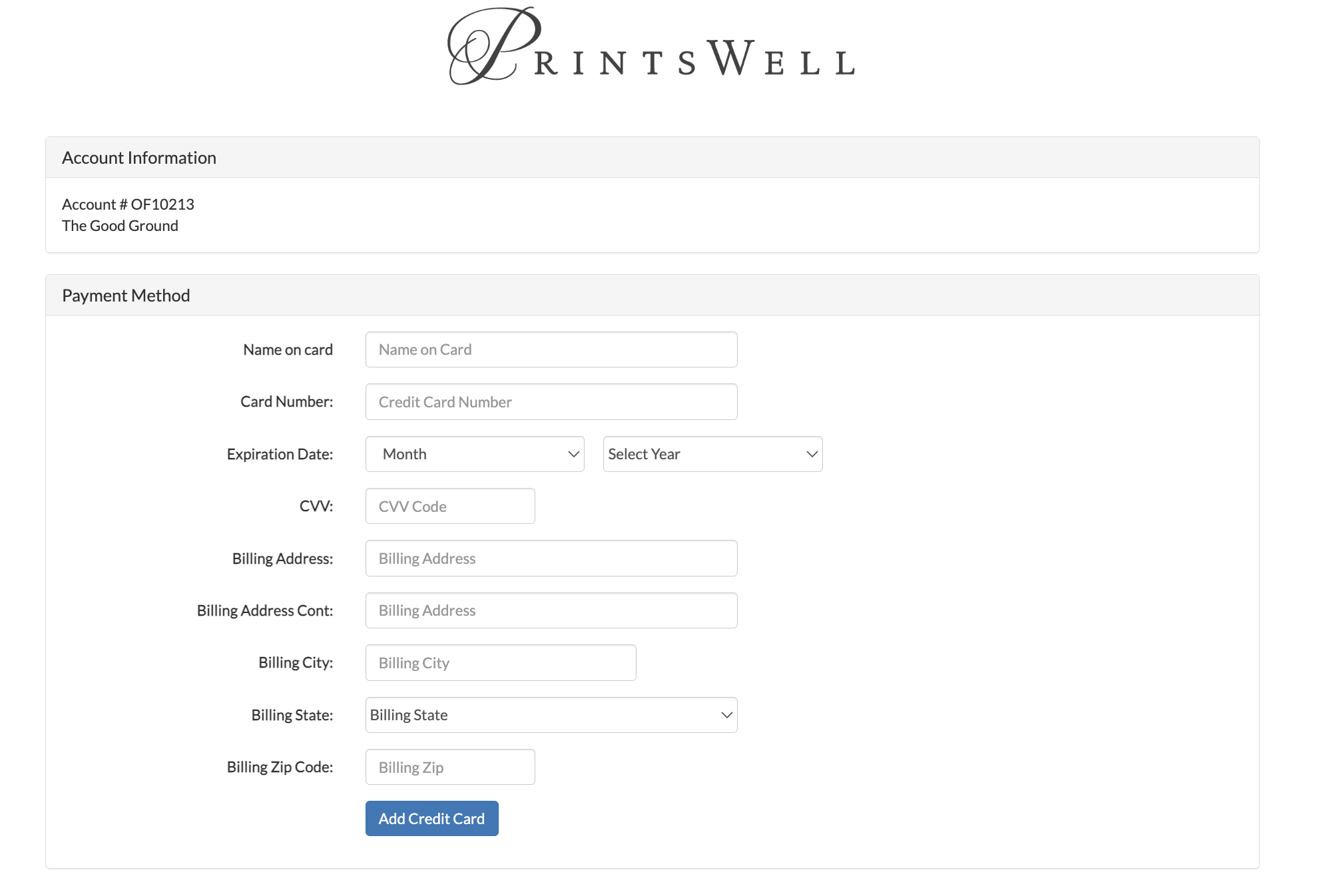
From there you will need to click on the Click here to update your credit card on file button under Account Actions. This will navigate you to page where you can add a new payment method to your account. The card entered will become your new default payment method.

Have additional Billing Questions?
For all billing questions, please reach out to our accounting department by emailing accounting@printswell.com. They will be happy to assist!
Related Articles:
Was this article helpful?
That’s Great!
Thank you for your feedback
Sorry! We couldn't be helpful
Thank you for your feedback
Feedback sent
We appreciate your effort and will try to fix the article